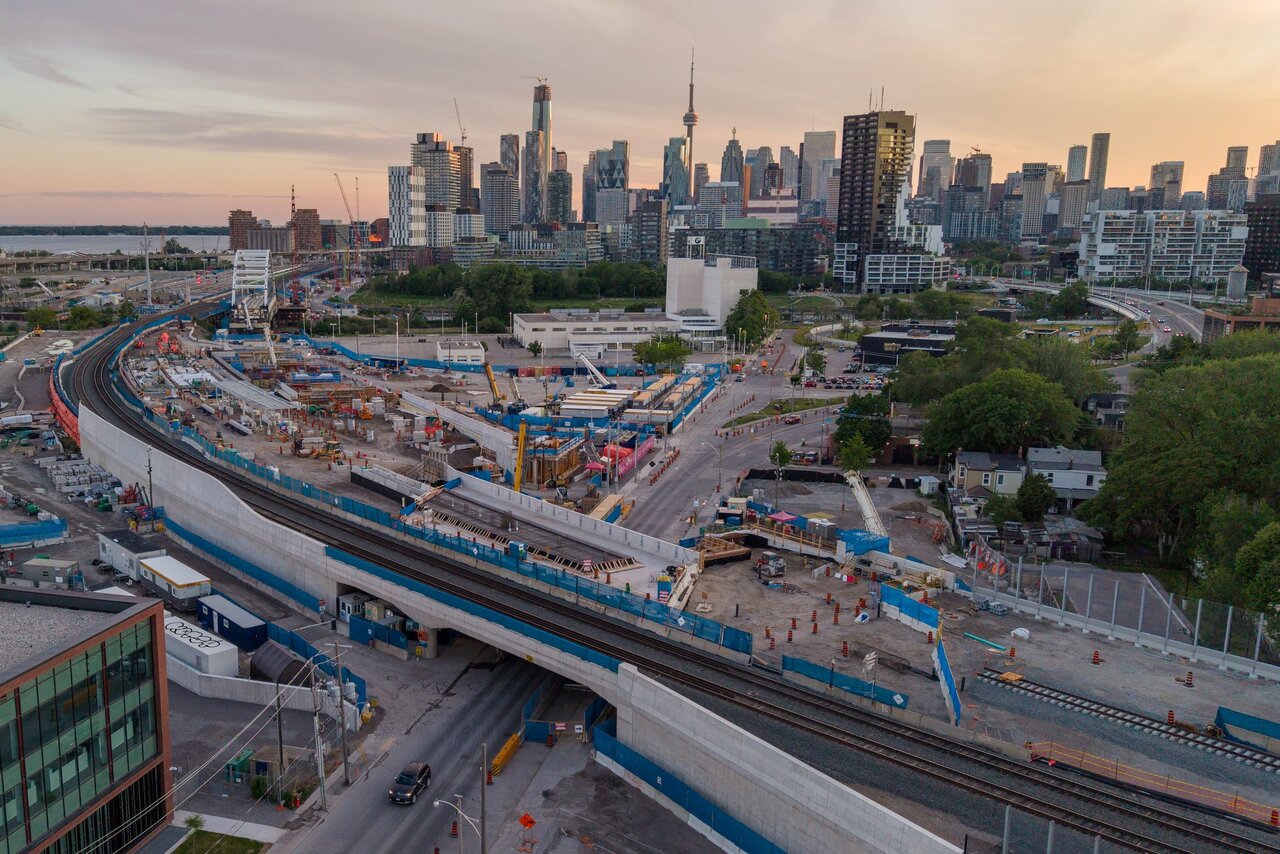
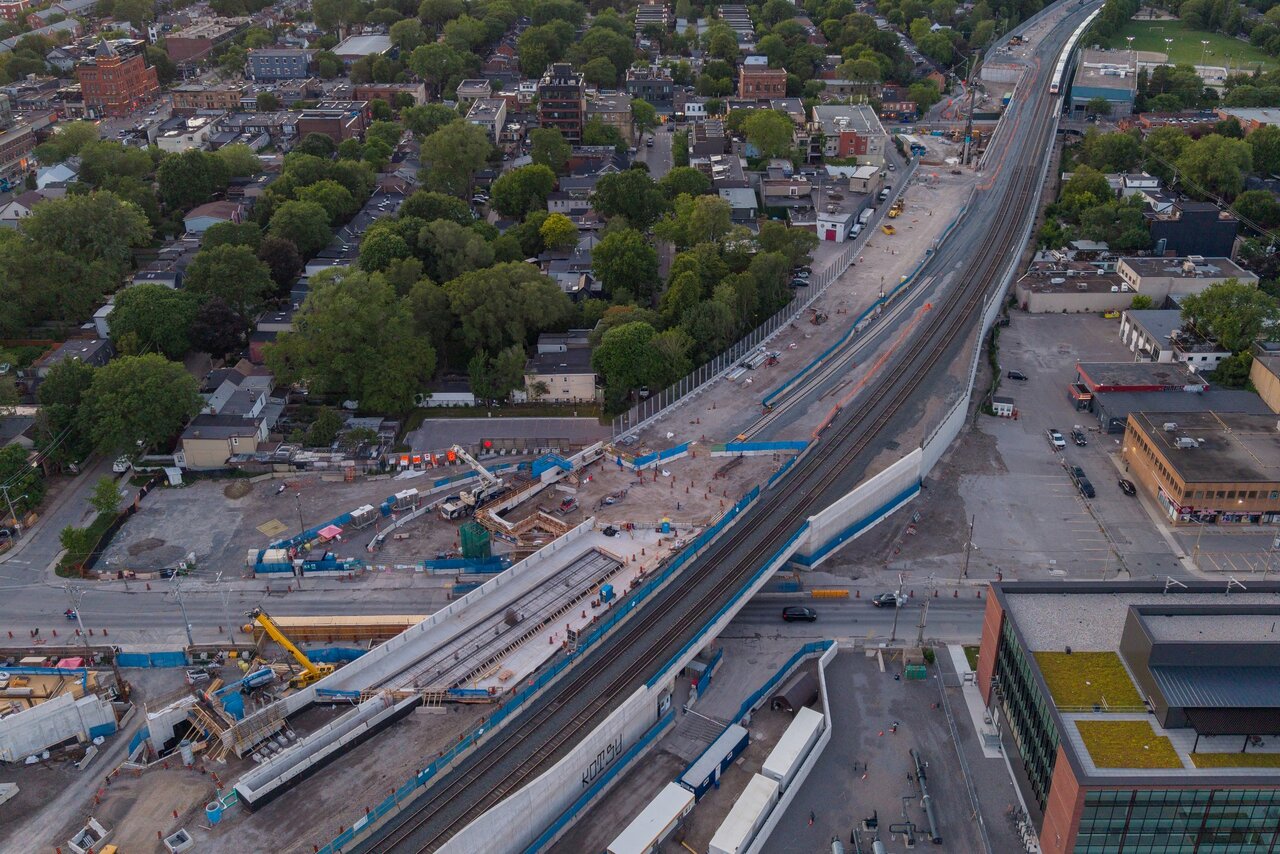
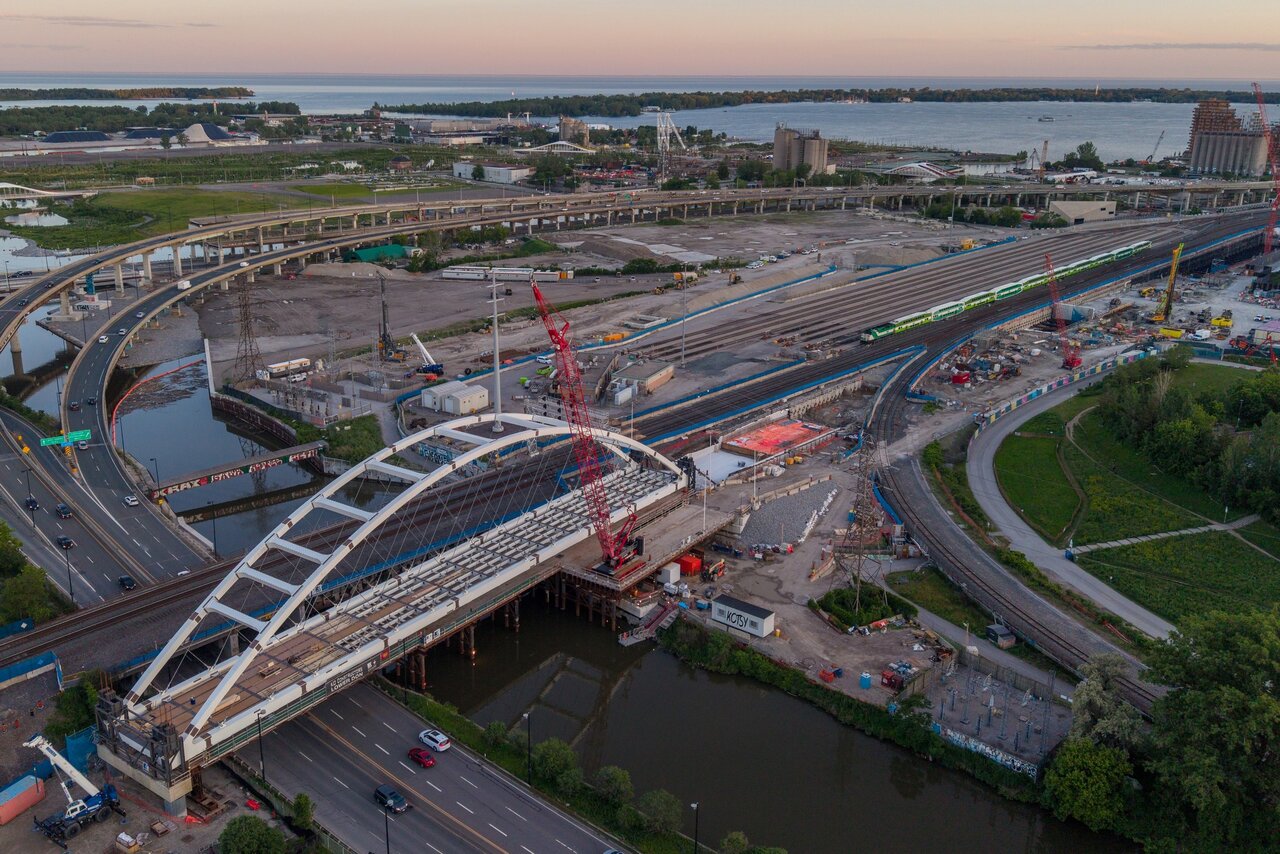
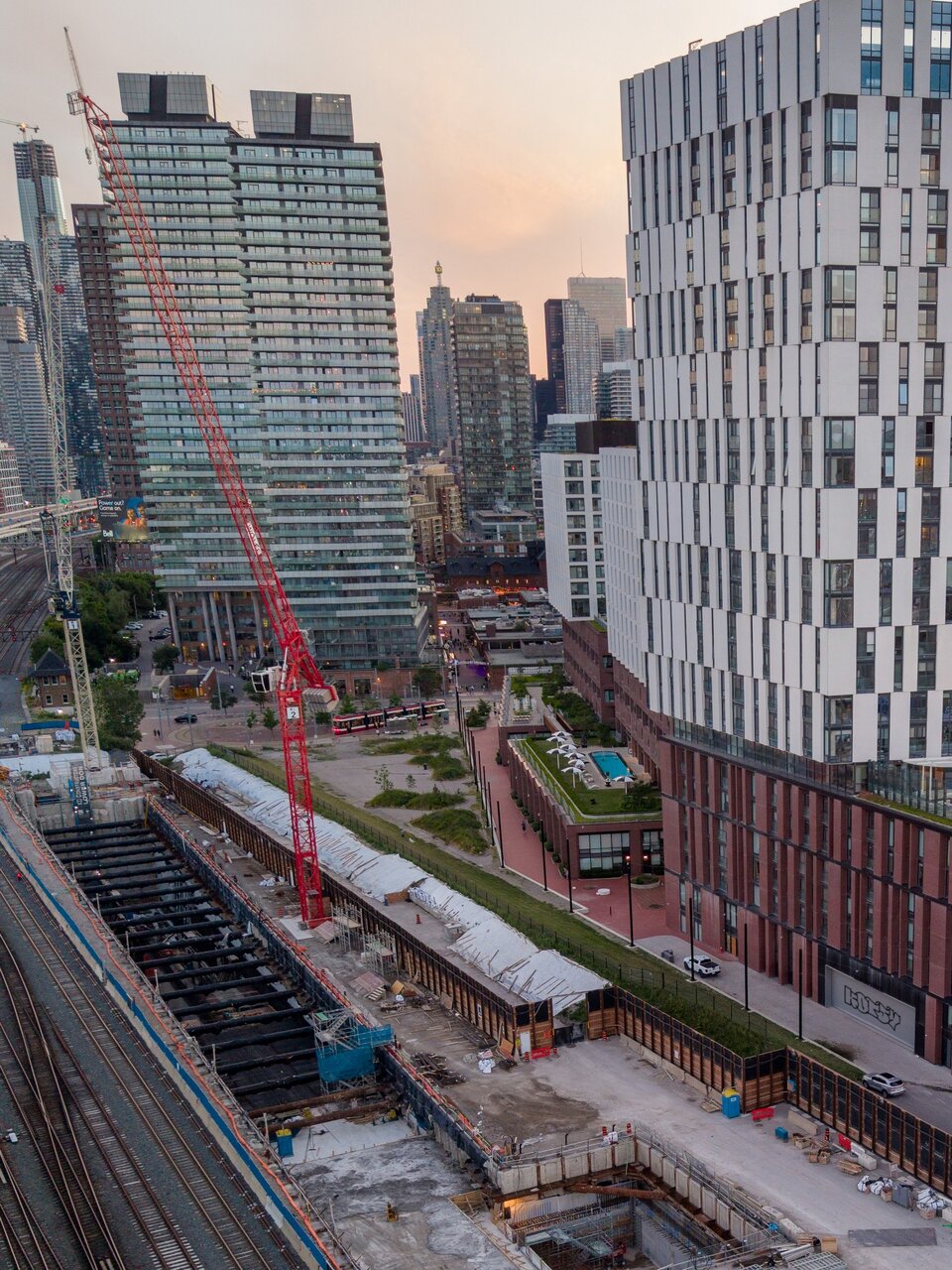
Eastern Bridge. The 3rd GO track has almost reached Eastern Ave, but the alignment seems a bit weird. It goes from next to the other GO tracks at Queen to the north/west end of the Eastern bridge (next to OL bridge)
DJI_20260615205257_0030_D.jpg

DJI_20260615205750_0036_D.jpg


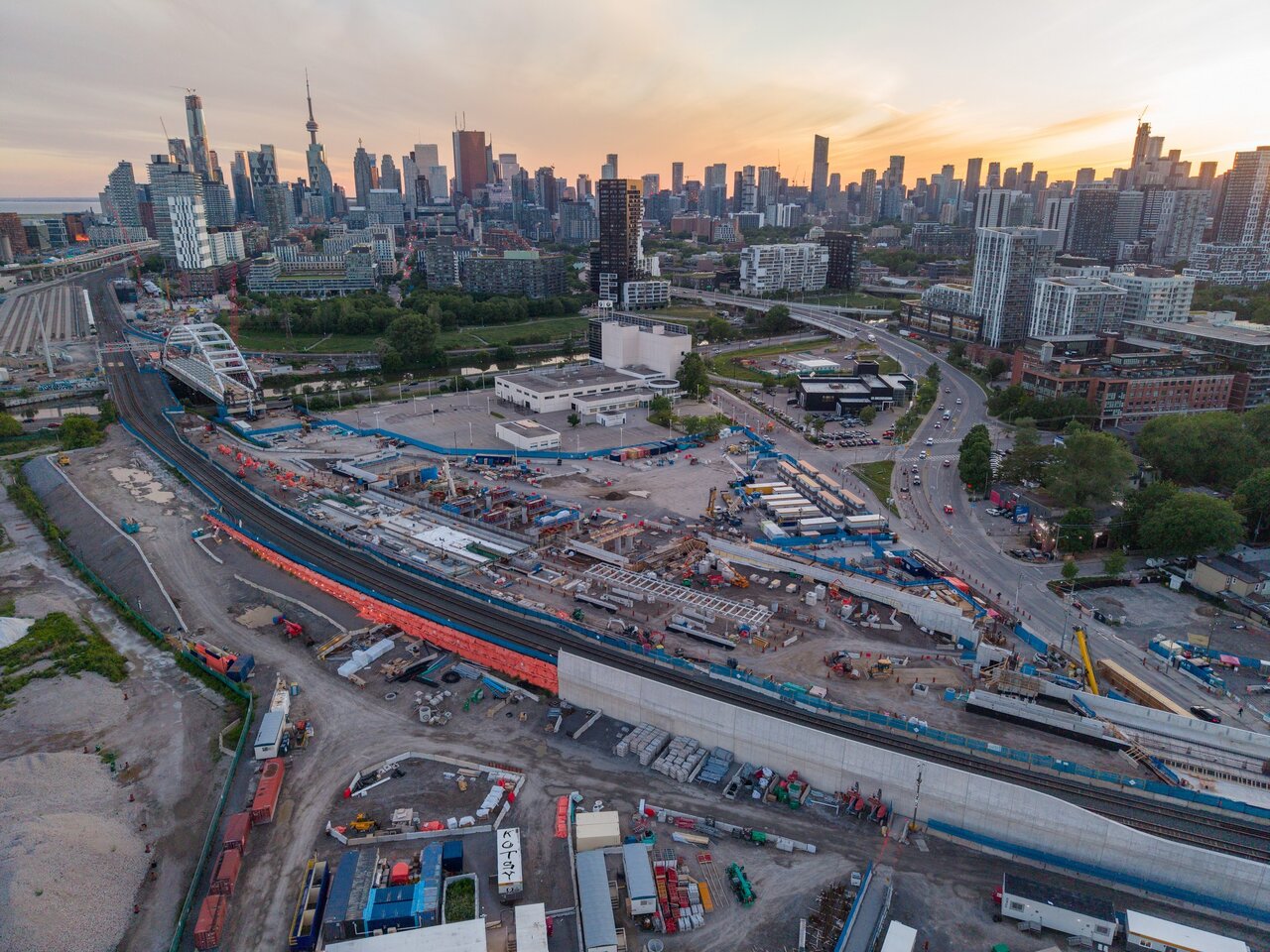
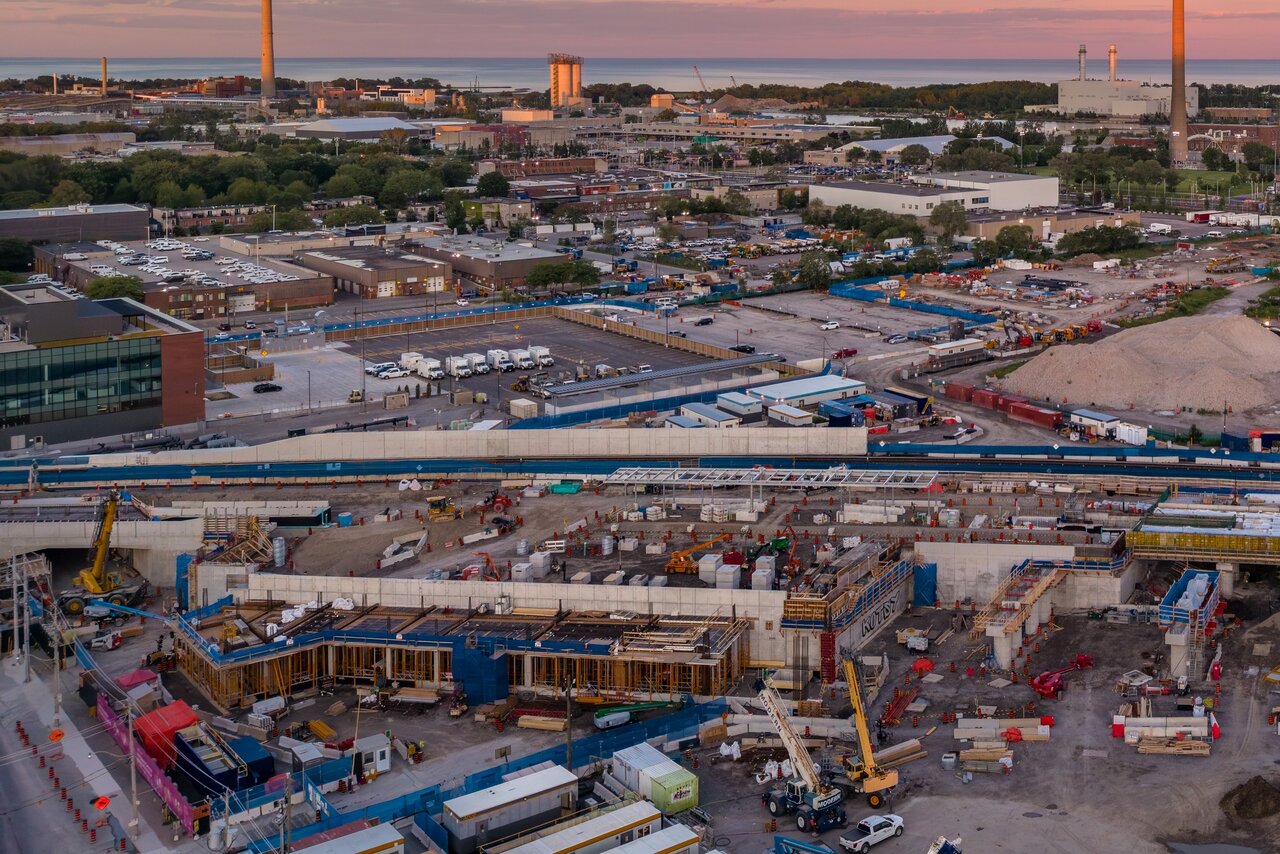
East Harbour Station:
DJI_20260615205450_0032_D.jpg

DJI_20260615205107_0028_D copy.jpg

DJI_20260615205107_0028_D.jpg


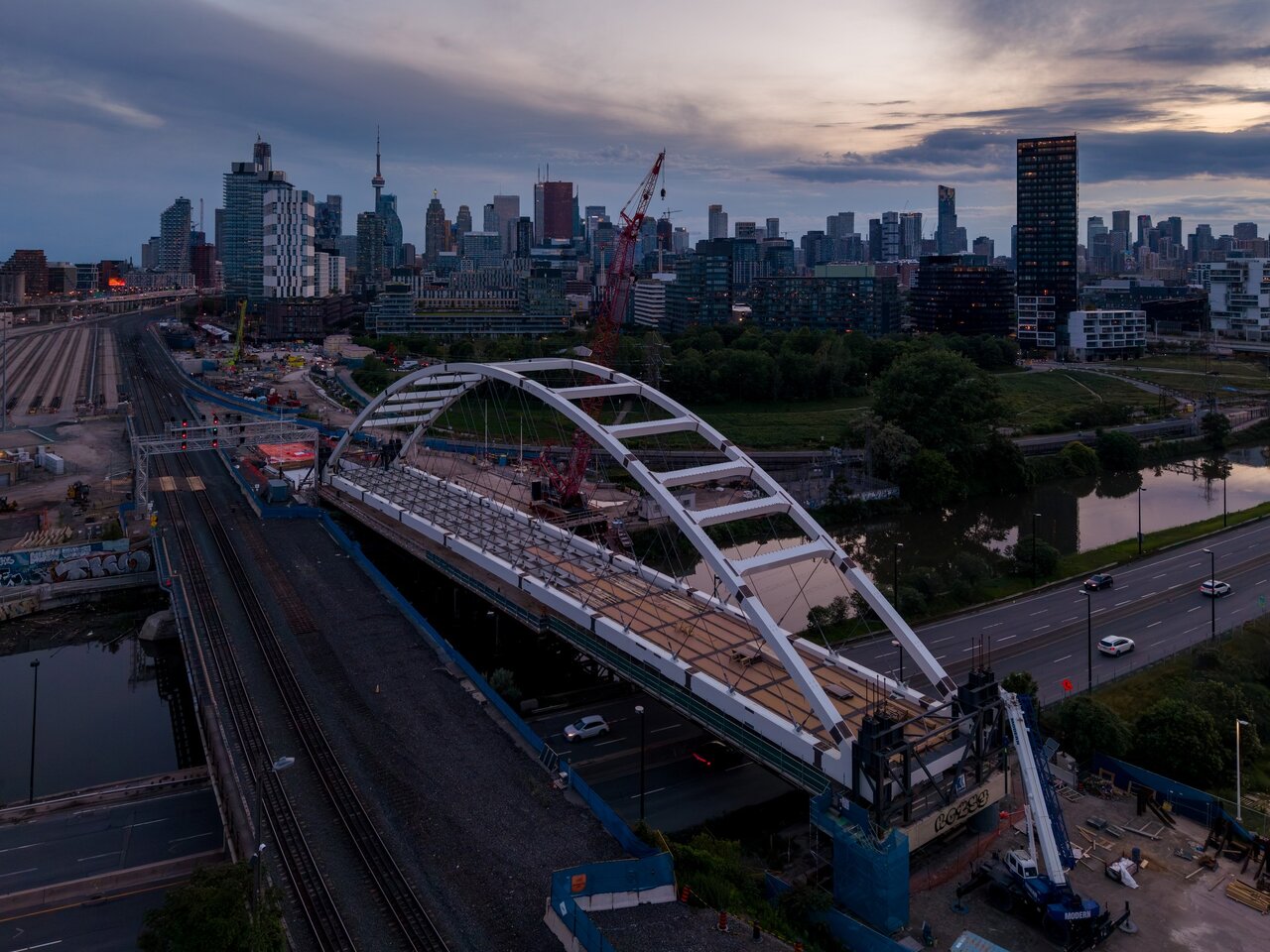
Lower Don Crossing. They've started work on the bridge deck.
DJI_20260615204750_0022_D.jpg

DJI_20260616210225_0013_D.jpg


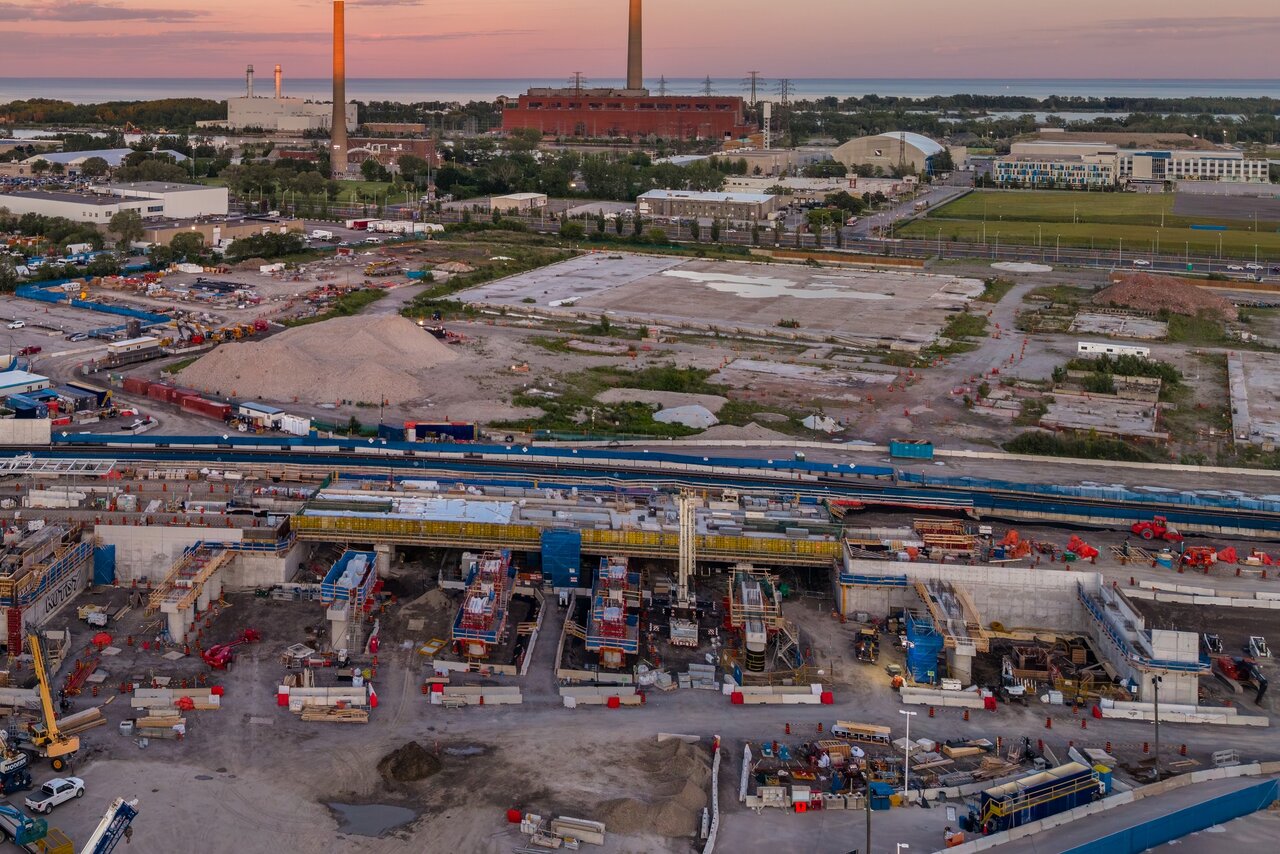
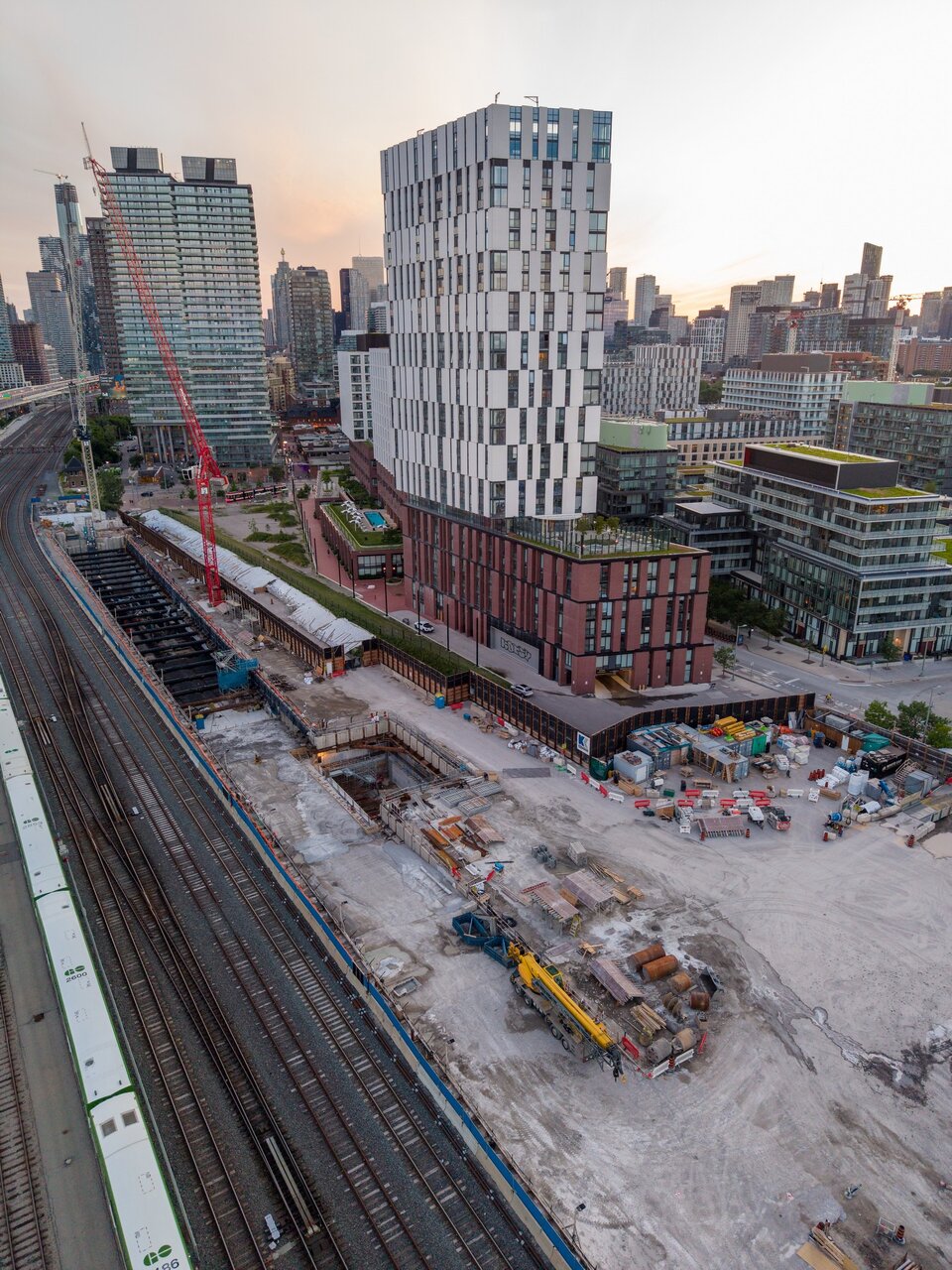
Cut & Cover Tunnel:
DJI_20260615210122_0041_D.jpg

DJI_20260615210122_0041_D copy.jpg
 
I imagine at Eastern bridge they want to have that third track feed into the northern edge of the northern GO platform, and then have a second track feed into the southern edge as soon as they can. Once they do that, they can decommission and remove the southern most 2 tracks (the ones currently in use) to work on building the southern GO platform.

Amazing pics btw!!
 
For those looking for a hint on OL's opening date, I notice a TTC service alert for the elevator at Don Valley Station that they intend to keep out of service until OL opens, is marked as being out of service from Sunday Feb 8 2026 (the date the station opened), to Sunday Feb 8 2032. I'm guessing this is the TTC's prediction for the OL opening date. Metrolinx's opinion may differ. The last we heard, the official opening date was 2031, then that was redacted without replacement.

Also on the TTC alerts page, the escalator at Broadview Station from concourse to the bus and streetcar platforms, which has been in the process of being replaced for at least a year (maybe 2 years?), and was supposed to be reopened by now, has a projected reopen date of December 31 2026. Isn't that a silly date? It's like a store pricing an item at $5.99, thinking it looks cheaper than $6. Of course they aren't going to open it on that date, it will be sometime in 2027. If not later. I believe the reason the escalator is being replaced, is that it was never the right size. It had a few steps leading up to the bottom end, as though they originally moved an existing escalator from somewhere else, and put in steps as a temporary fix. Even so, how can this replacement be taking so long?

Also, has anyone tried using the beta version of the TTC's new service alerts map, which was announced in the news earlier this week? I'm looking at the desktop version, which may be different from the app version, but it's rather awful. The stations are printed with a tiny symbol, too small to see whatever icons are supposed to be in them. If the station is surrounded by a yellow circle, it means there is a problem, but it's hard to tell the difference between a bypass and an escalator outage, which are both blue. If the station is surrounded by a black circle, I think that means it's a transfer station with no problems, though that symbol is missing from the legend. If you try to zoom in on the station to get a better look, not only does the station remain the same size, it detaches from the line and slowly wanders off across the street. And in some locations, the line itself will start breaking up into pieces as you zoom in. It's a good thing this is only the beta version, but clearly the whole map is being run on a garbage graphics system, and a quick patch won't fix it. This problem requires a complete redesign using different graphics software, so I think they're stuck with what they've got.

To have a look at this disaster, go to https://www.ttc.ca/service-alerts and click on the unobvious "view map" link inside a lozenge at the bottom right of the screen.
 
It's a good thing this is only the beta version, but clearly the whole map is being run on a garbage graphics system, and a quick patch won't fix it. This problem requires a complete redesign using different graphics software, so I think they're stuck with what they've got.
Opening the browsers Developer Tools tells us that the map is running on ArcGIS Online, by far the most widely used commercial web GIS. The station symbol size can be changed by editing the map definition in the desktop GIS and republishing the map to ArcGIS Online.

It's interesting that a geographically accurate map was chosen over a transit diagram (straight lines at 45 or 90 degree angles, evenly spaced stations). Toronto's mainly rectangular street grid facilitates this.

Warning: after you select a station, the app seems to constantly call for updated information - every few seconds - which will eat your mobile data allowance.
 
Opening the browsers Developer Tools tells us that the map is running on ArcGIS Online, by far the most widely used commercial web GIS. The station symbol size can be changed by editing the map definition in the desktop GIS and republishing the map to ArcGIS Online.

It's interesting that a geographically accurate map was chosen over a transit diagram (straight lines at 45 or 90 degree angles, evenly spaced stations). Toronto's mainly rectangular street grid facilitates this.

Warning: after you select a station, the app seems to constantly call for updated information - every few seconds - which will eat your mobile data allowance.
Thanks for the explanation. I was just letting out a backlog of grumpiness in one post.
 
Thanks for the explanation. I was just letting out a backlog of grumpiness in one post.
Thanks for highlight it's existence, I wouldn't have "bumped into it".

I see there's a feedback button @ bottom-left. The developers should be looking for input on how it can be improved.
 

Back
Top